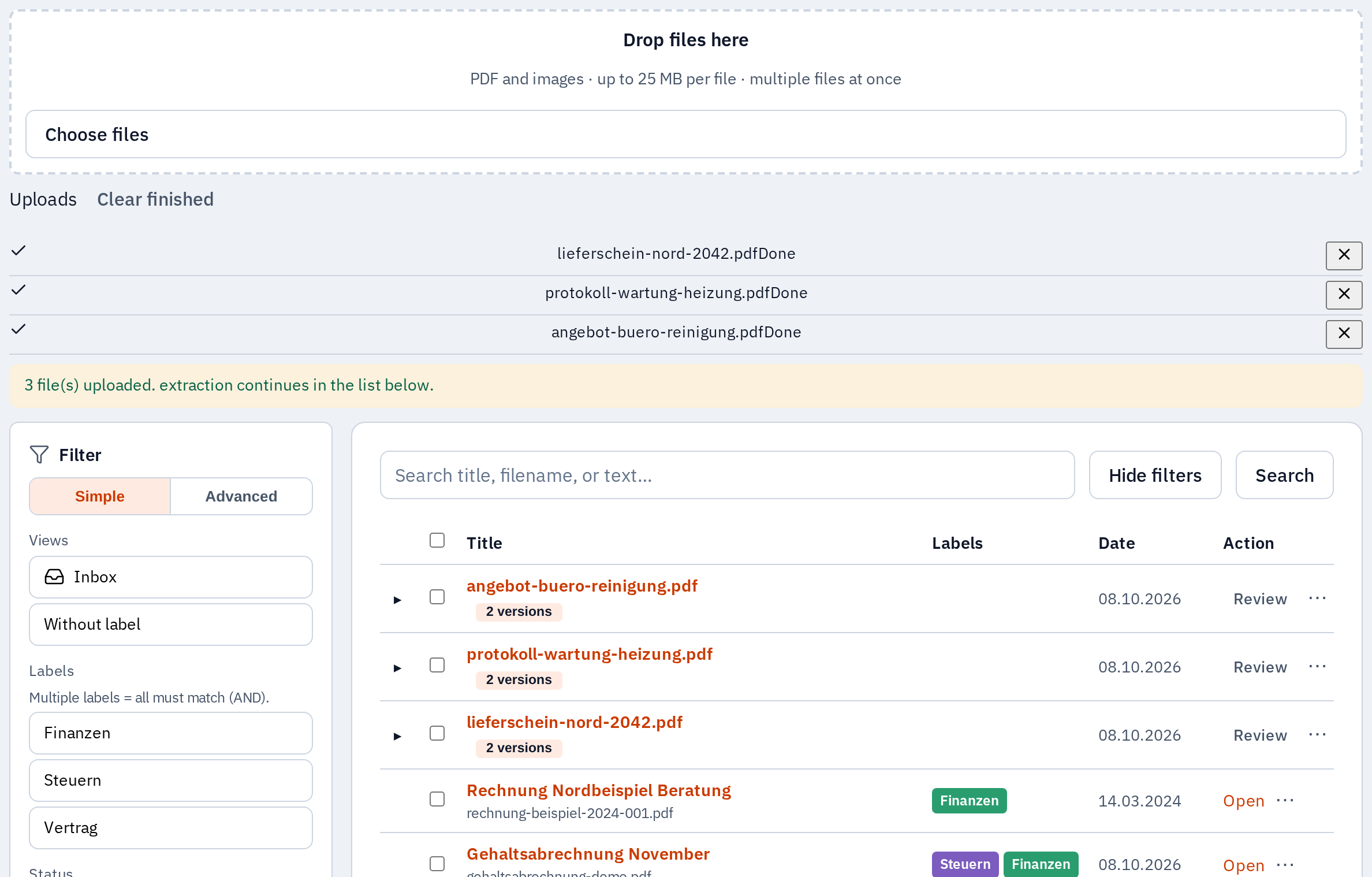
Library and upload
Upload PDFs and scans, filter by status and metadata, and track extraction progress in one place.
- Central upload and connector import
- Filter by status, labels, and metadata
- Per-document extraction progress
Self-hosted document intelligence
OCR, auto-labeling, search and chat over your documents, on your own hardware.
Product
Crisp UI shots from the real app: library, fields, labels, folders, and document chat on infrastructure you operate.
Upload PDFs and scans, filter by status and metadata, and track extraction progress in one place.
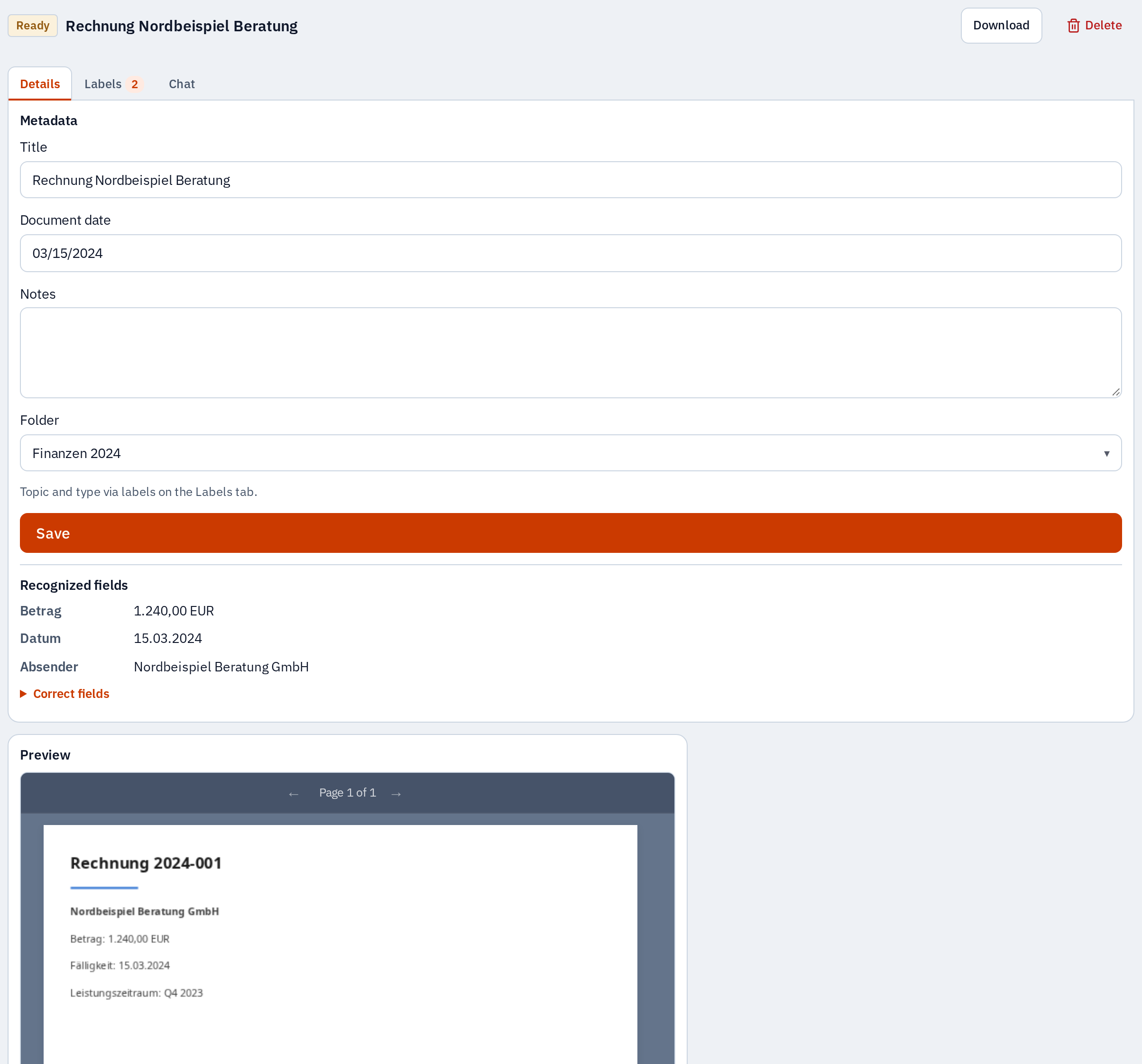
Amounts, dates, senders, and custom fields are suggested automatically. You confirm suggestions with one click.
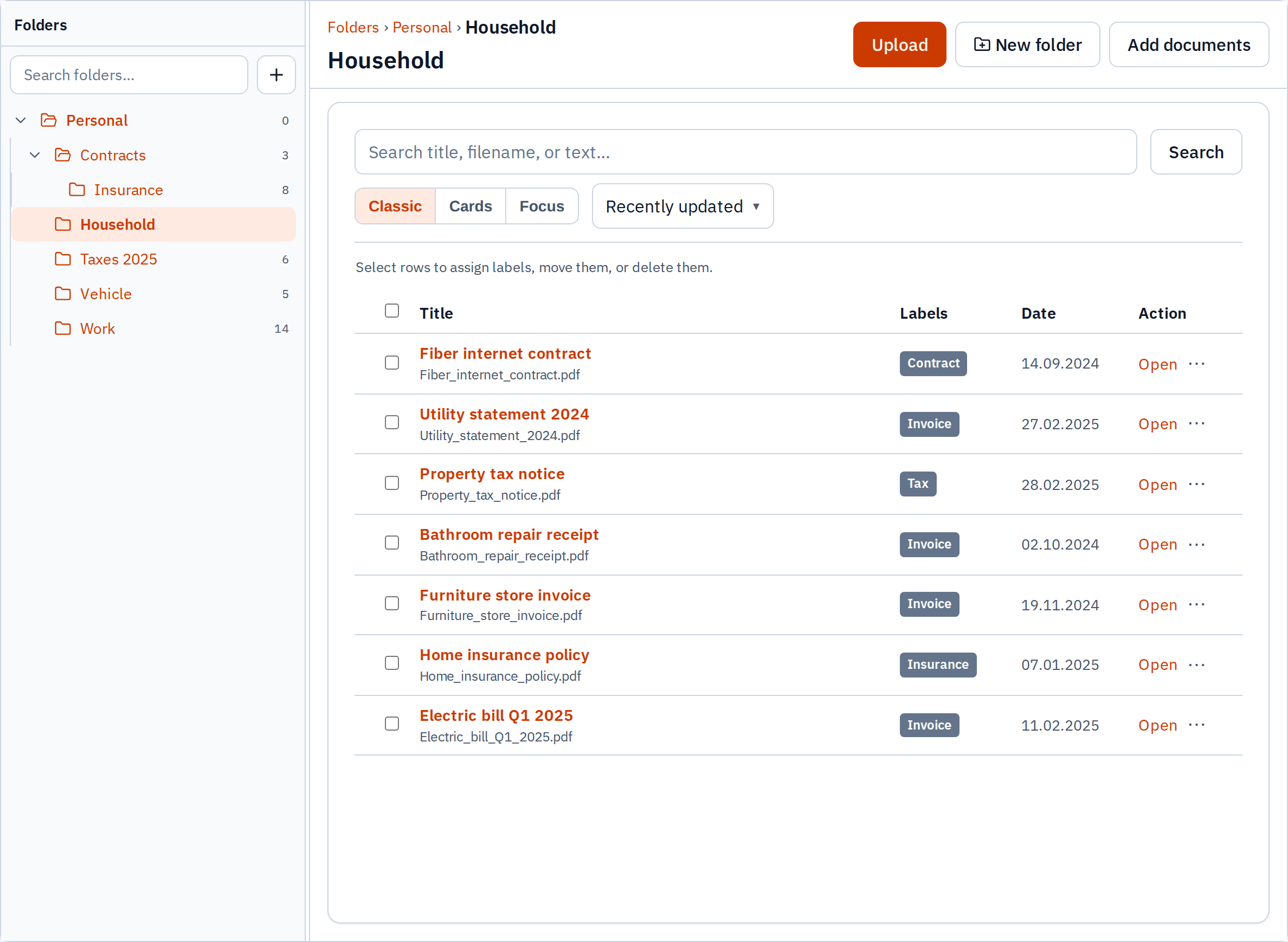
Labels group topics; folders mirror how you file. Recommendations assist without forcing automation.
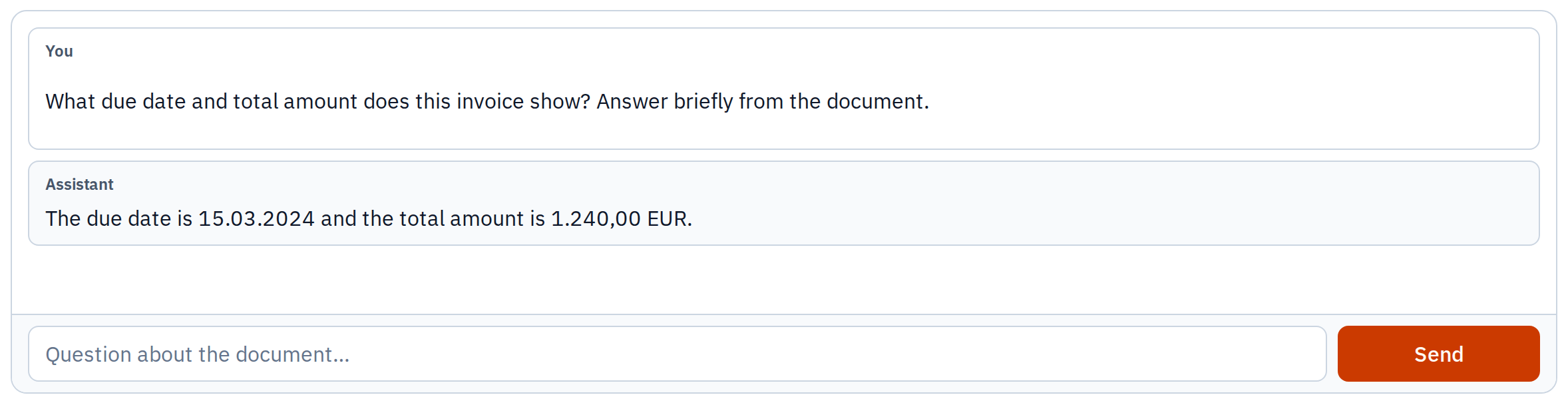
Ask about a document with a locally connected chat model (e.g. Ollama). Answers use the recognized text in your file.
Upload manually or pull from a connector. Docuvate stores the original in object storage.
The worker pulls text and fields. Progress and results appear in the UI.
Find documents again with labels, folders, and full-text search. Chat and the API use the same underlying data.
Connect scripts, portals, and back-office tools with service keys. Same documents and labels as the web UI, without screen scraping.
import { DocuvateClient } from '@docuvate/sdk';

const client = new DocuvateClient({
  baseUrl: 'https://your-host',
  apiKey: process.env.DOCUVATE_API_KEY,
});

const { data } = await client.api.listDocuments();
console.log(data?.items?.[0]?.title);Connections for import and automation, from cloud storage to services on your network.
Import objects from a bucket into your library.
Bridge an existing DMS archive.
Trigger automations from document events.
Mail attachments as a source; OAuth with your client credentials.
Mail attachments as a source. One-time setup in settings.
No per-seat cloud bill. Run Docuvate on your server, VM, or NAS. You choose when to upgrade, with optional fully local AI. License: AGPL. You run the stack; you own the data.
Tax advisors, small businesses, and households that want PDFs and scans organized without mandatory cloud storage.
Not to start. OCR and chat paths are CPU-friendly; heavier models are optional and documented.
Sign in through the web app for day-to-day use. For scripts and third-party tools, create a service key and use the HTTP API described in the API reference.
You deploy and upgrade on your schedule. Breaking changes are versioned; the exported OpenAPI document describes the contract.